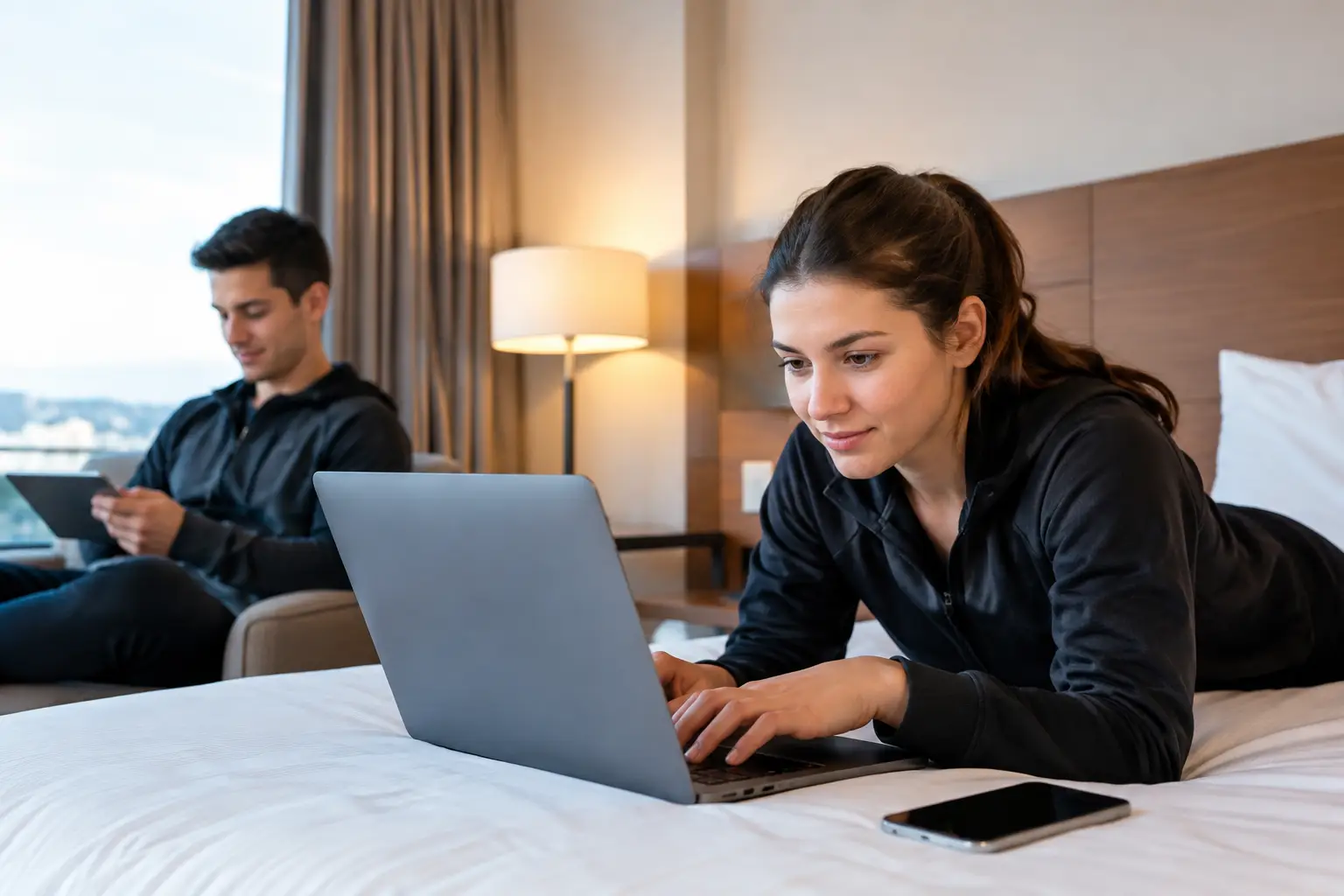
A hotel can fill every room for a tournament weekend and still lose the guest experience in one overloaded lobby. When hundreds of visitors arrive with multiple devices, stream matches, upload content, use mobile keys, and join work calls, ordinary guest WiFi design fails fast. To optimize hotel WiFi for tournaments, operators need to treat connectivity as match-day infrastructure, not a standard amenity.
For Atlanta hotels preparing for high-attendance sports events, the risk is immediate. Slow WiFi drives front-desk complaints, disrupts streaming in bars and common areas, strains staff systems, and creates a poor first impression before guests reach their rooms. The right plan protects revenue, operations, and your property’s reputation when demand is at its highest.
Start With Tournament-Day Capacity, Not Room Count
Room count is a poor proxy for WiFi demand. A 200-room hotel may normally support a manageable number of connected devices, but tournament traffic changes the pattern. Guests bring phones, tablets, laptops, watches, streaming devices, and gaming systems. Teams, sponsors, production staff, and international visitors may use several devices per person while spending long periods online.
Capacity planning should model concurrent use during the busiest windows: check-in, pre-match gathering, halftime, post-match content uploads, and late-night viewing. Measure expected device density in the lobby, breakfast area, meeting rooms, bar, pool deck, shuttle pickup zone, and any designated watch-party space. Those areas can consume more bandwidth than guest floors even when the number of people is lower.
Do not plan around advertised internet speed alone. A high-speed circuit does not solve poor wireless design, overloaded access points, or a congested firewall. Engineers should assess the full path: internet circuits, edge equipment, switching capacity, access point placement, radio-frequency conditions, and the applications competing for bandwidth.
Calculate for Concurrent Connections
The relevant question is not, “How much bandwidth do we buy?” It is, “What happens when 400 devices begin streaming within the same 10-minute window?” A planning model should account for active devices, expected video resolution, guest traffic, staff operations, payment systems, property-management systems, and business-critical streaming.
There is no universal bandwidth number. A limited-service property with mostly overnight guests has different needs than a full-service hotel hosting team meetings, watch parties, and media crews. The assessment must match the event schedule and the way your property intends to generate revenue.
Separate Guest WiFi From Hotel Operations
Tournament traffic should never compete directly with front-desk workstations, payment terminals, security cameras, door systems, staff devices, or building controls. Network segmentation is one of the most practical ways to contain failures and preserve essential operations.
Create distinct, properly secured network segments for guest internet access, staff devices, point-of-sale systems, property operations, event technology, and management access. Each segment should have clear rules governing what it can reach. A guest device should not be able to discover a payment terminal or access a hotel control system simply because both are on the same network.
This structure also makes incident response faster. When a guest network experiences heavy use or suspicious activity, IT teams can isolate the problem without taking down core hotel services. During a tournament, that separation can be the difference between an inconvenient WiFi complaint and a full operational outage.
Security must rise with attendance. Large events attract more unknown devices, more phishing attempts, and more opportunities for unauthorized access. Use current encryption, separate staff credentials from guest access, retire default device passwords, and review firewall rules before occupancy spikes. Convenience matters, but it should not come at the expense of payment security or property operations.
Fix Wireless Coverage Where Guests Actually Gather
A signal test in an empty hallway is not a tournament readiness test. Hotels need a site survey that measures signal strength, interference, roaming behavior, and client capacity in the areas guests will use under real conditions.
Access point placement deserves particular attention in concrete structures, renovated buildings, ballrooms, elevator-adjacent corridors, and outdoor gathering spaces. Walls, glass, metal, elevators, kitchen equipment, and neighboring networks can all degrade performance. Adding access points without a radio-frequency plan can make matters worse by creating channel interference.
High-density locations require intentional design. A lobby watch party, breakfast rush, or sponsor reception may need more access points, lower transmit power, tuned channel assignments, and capacity controls that prevent one device from consuming excessive airtime. The goal is not maximum coverage on a floor plan. It is reliable service for a high number of active users.
Test the Guest Journey
Walk the property with a test device and validate the experience from curb to room. Test the parking area, valet zone, lobby, elevators, hallways, guest rooms, event rooms, restaurant, and outdoor spaces. Check how devices roam between access points and whether authentication remains stable.
Then test under load. Simulate multiple video streams, file uploads, video calls, and guest logins while staff systems are active. A network that looks healthy during a quiet Tuesday afternoon may fail during a sold-out match weekend.
Protect Streaming and Critical Traffic With Policy Controls
Not all traffic has the same business value. A hotel’s live match feed in the bar, front-desk transaction traffic, and property-management applications should take priority over large background downloads or unmanaged guest device updates.
Quality of service policies can prioritize critical applications, but they must be configured carefully. Poorly designed rules can create new bottlenecks or make the guest experience worse. Start by identifying which services directly affect revenue and operations, then reserve capacity and establish priority treatment for those services.
For public viewing areas, use a dedicated, wired connection for primary streaming equipment whenever possible. WiFi is valuable for guests, but a television wall or streaming decoder carrying a must-not-fail match should not rely on the same wireless conditions as hundreds of phones in the room. Keep a tested backup playback path ready as well.
Hotels should also set realistic expectations. Guest WiFi can support high demand, but unlimited 4K streaming on every device may not be a sensible design objective if it compromises essential services. Fair-use policies, rate limits for noncritical traffic, and premium bandwidth tiers can be appropriate when implemented transparently.
Build Failover Before You Need It
One internet provider is one point of failure. Construction damage, provider outages, equipment faults, and local service disruptions do not wait for a convenient time. Tournament operations need a secondary path that can take over when the primary circuit drops or degrades.
A strong failover plan may combine diverse wired circuits, 5G backup, automatic WAN failover, and monitored edge equipment. The correct mix depends on the property’s location, circuit availability, budget, and operational requirements. A cellular backup may keep front-desk and payment systems working, but it may not sustain full guest streaming demand. Know what each backup is designed to protect.
Test failover in advance. Confirm that traffic moves to the secondary connection, critical services remain reachable, DNS behavior is correct, and staff know what changes during an outage. A backup circuit that has never been tested is only a theory.
Put Monitoring and Ownership on the Match-Day Plan
The most expensive problems are often detected too late. By the time the front desk receives multiple complaints, the network may already be overloaded or a critical device may have failed. Active monitoring identifies warning signs such as rising access point utilization, packet loss, poor signal quality, circuit instability, and abnormal traffic patterns.
Set clear escalation procedures for event days. Define who monitors the environment, who has authority to approve changes, who contacts providers, and how staff report guest-impacting issues. Keep vendor contacts, network diagrams, circuit details, equipment credentials, and spare hardware accessible to the response team.
For high-visibility weekends, local engineering support matters. Remote support can troubleshoot many issues, but a failed switch, damaged cable, misconfigured access point, or event-space connectivity issue may require an engineer on site. GDS Technology supports Atlanta venues that need readiness planning and rapid response when connectivity becomes a public problem.
Optimize Hotel WiFi for Tournaments Before Guests Arrive
The right time to discover a coverage gap is during a readiness assessment, not when the lobby is full and a match is about to start. Review capacity, segmentation, wireless coverage, streaming paths, failover, security controls, and response ownership as one operational plan.
Tournament-ready WiFi is not about promising perfect internet to every device. It is about knowing which services must stay online, engineering the network for real demand, and having a tested response when conditions change. When guests arrive, the network should already be ready to carry the pressure.