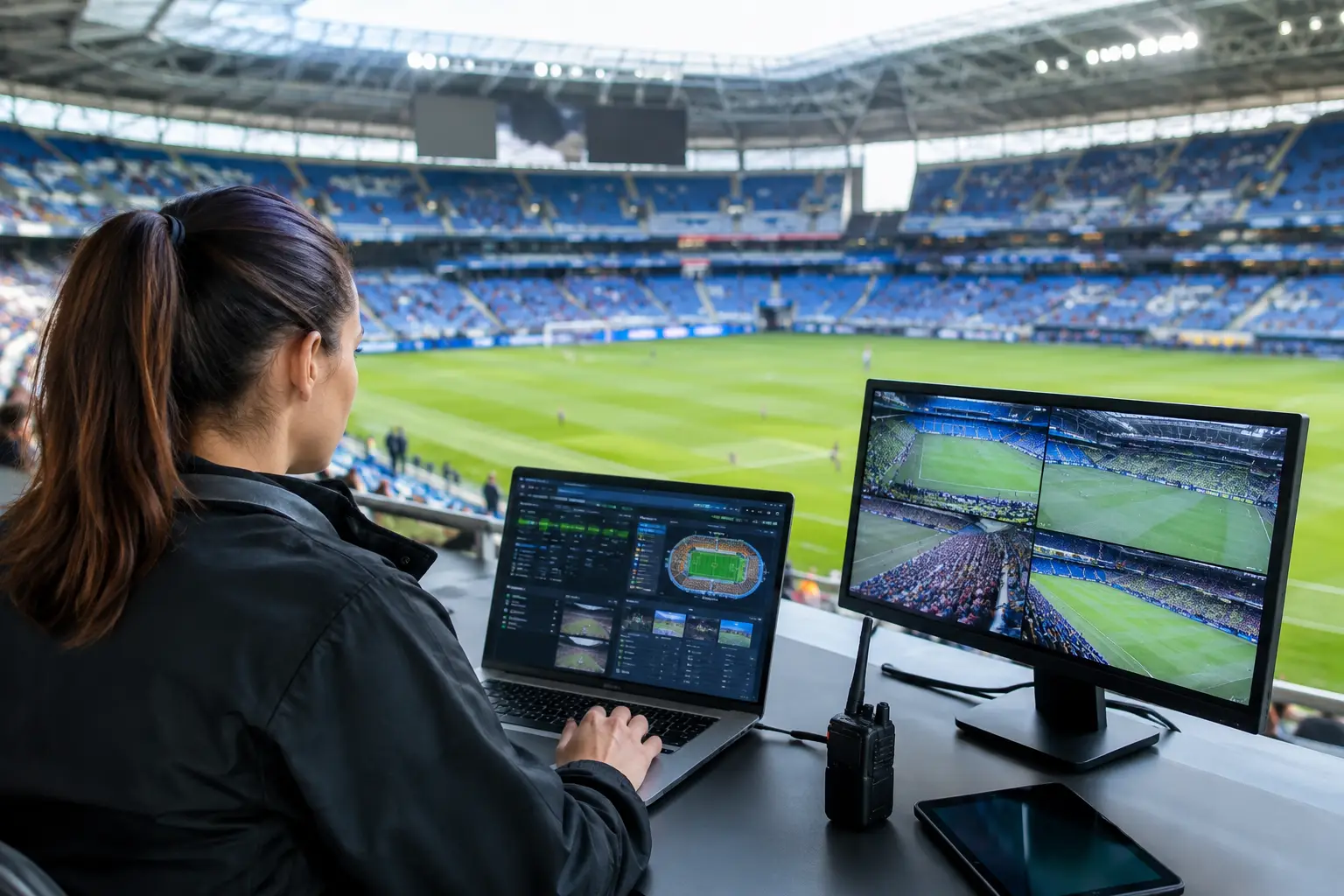
A packed venue can expose every weak point in your technology stack within minutes. This match-day technology operations guide is built for Atlanta bars, hotels, restaurants, broadcasters, and event venues where a frozen stream, failed payment terminal, or overloaded guest WiFi can turn a sold-out match into a public operations problem.
The goal is not merely to keep the internet on. It is to protect revenue, guest confidence, staff productivity, and your venue's reputation during the hours when there is no acceptable window for troubleshooting.
Match-Day Technology Operations Guide: Start With Critical Services
Not every system carries the same operational weight. Before match day, identify the services that must remain available and decide who owns each one when something fails. For most hospitality and live-event operators, the priority order starts with broadcast or streaming delivery, point-of-sale connectivity, staff communications, payment processing, and guest WiFi.
Treat these as separate services, even if they share one internet connection. A guest WiFi slowdown should not be able to consume the capacity required for streaming. A payment outage should not depend on a manager searching through a vendor portal for support details. Each critical service needs a defined technical owner, an escalation path, and a fallback method that staff can use without waiting for an engineer to arrive.
The first operational question is simple: what does failure cost per minute? For a sports bar, it may mean walkouts and refunded tabs. For a hotel, it may mean hundreds of guests unable to stream in rooms or access digital services. For a broadcaster or sponsor activation, it can mean visible disruption during a moment that cannot be replayed.
Build the Network for Peak Demand, Not Normal Business
A network that performs well at 2 p.m. on a Tuesday may fail under a full match-day crowd. Capacity planning must reflect concurrent use, not average use. That includes guests uploading video, staff running cloud-based POS systems, digital signage, streaming endpoints, security cameras, and operational devices competing for bandwidth.
Separate Traffic Before It Competes
Segment your network so critical traffic has priority. Streaming equipment, POS terminals, staff devices, cameras, building systems, and guest WiFi should not operate as one unrestricted pool. Use separate VLANs or equivalent segmentation, apply quality-of-service rules where appropriate, and reserve sufficient bandwidth for the systems that directly support revenue and broadcast delivery.
Guest WiFi needs particular attention. It is a customer amenity, but it should never be allowed to compromise your event feed or payment systems. Set reasonable per-user bandwidth limits, cap the number of devices allowed per access point where needed, and use a dedicated guest network that cannot reach internal operational systems.
Test the Real Room, Not the Floor Plan
WiFi design depends on the physical environment. Concrete, metal fixtures, kitchen equipment, dense crowds, TVs, and temporary structures can all affect coverage and interference. Test access point performance from the areas where people will actually gather: patios, private rooms, entry lines, high-top seating, hotel lobbies, ballrooms, and outdoor activation zones.
A signal strength reading alone is not enough. Test client density, roaming behavior, throughput, packet loss, and performance during a realistic load simulation. If the venue layout changes for a major tournament event, test again. A temporary bar, sponsor installation, or large LED display can change radio conditions quickly.
Protect Streaming With Redundancy and a Runbook
The match feed is often the most visible system in the building. It deserves its own readiness plan. Confirm the authorized streaming source, device requirements, display path, audio routing, account access, and support contact before doors open. Do not rely on a staff member's personal login or a consumer-grade setup that has never been tested at scale.
Redundancy should match the financial and reputational stakes. A smaller venue may use a primary broadband circuit plus a tested cellular backup. A large venue, hotel, or broadcast environment may need diverse carriers, automatic failover, dedicated streaming hardware, and on-site technical coverage. More redundancy costs more, but the right decision depends on what a full-room outage would cost you.
Your streaming runbook should answer four questions immediately: Is the source available? Is the network path healthy? Is the playback device functioning? Is the display or audio path the point of failure? When staff can isolate the issue quickly, they avoid rebooting everything at once and creating a larger outage.
Keep spare HDMI cables, adapters, power supplies, remotes, batteries, approved playback devices, and labeled ports on site. These are small items until they stop a room from seeing the match.
Establish a Match-Day Command Structure
Technical readiness fails when everyone assumes someone else is handling the problem. Assign a named match-day technology lead with authority to make decisions, contact vendors, and prioritize recovery. This person should be reachable from pre-open through post-match close.
For larger events, establish a simple command structure: an operations lead manages guest impact and staff communication; an IT lead handles network and systems triage; a venue lead controls physical access and business decisions; and an external support partner provides escalation coverage. Everyone should know the designated communication channel and the threshold for escalating an incident.
Avoid long group chats filled with duplicate reports. One incident owner should collect facts, issue status updates, and coordinate action. Staff need short instructions such as, "Use backup payment procedure," "Direct guests to the secondary viewing area," or "Do not reboot streaming devices." Clear language prevents well-intentioned actions from extending downtime.
Run a Timed Readiness Check
A match-day checklist is most effective when it is tied to the event clock. Complete major changes well before guests arrive. Do not install firmware updates, replace core network equipment, or alter streaming configurations in the final hours before a high-profile match unless you are responding to an active failure.
At 72 hours out, validate circuit status, backup connectivity, vendor contacts, account credentials, streaming entitlements, network monitoring, and equipment inventory. At 24 hours out, test the complete viewing and audio experience from each public zone, confirm POS and payment connectivity, and review staffing coverage.
At four hours out, check bandwidth utilization, access point health, streaming device status, UPS capacity, and backup connection availability. At one hour out, freeze nonessential changes. Verify that the escalation roster is current, spare equipment is accessible, and the team knows who is on call.
During the match, monitor what matters: internet latency and packet loss, WAN status, WiFi client counts, access point health, streaming quality, payment errors, and security alerts. Monitoring without response ownership is only a dashboard. Every alert should have a person and an action behind it.
Plan for Failure Before the Crowd Arrives
No venue can prevent every incident. The advantage comes from recovering in a controlled way. Document likely failure scenarios and the first response for each: primary internet outage, degraded stream, POS disconnect, overloaded guest WiFi, power disruption, compromised credentials, or a failed display zone.
For each scenario, define the immediate workaround, the escalation contact, the decision-maker, and the expected communication to staff and guests. A backup circuit is valuable only if it has been tested. A secondary streaming device is useful only if staff know where it is, how it is connected, and which account can be used.
Cybersecurity belongs in the same plan. Major events attract opportunistic attacks, fraudulent guest networks, phishing attempts, and unauthorized attempts to access venue systems. Enforce multi-factor authentication on key accounts, isolate operational systems, remove unused credentials, verify remote access controls, and make sure staff can recognize suspicious requests that arrive during a busy service period.
Measure the Outcome and Improve the Next Match
After the crowd leaves, capture what happened while the details are still clear. Record incidents, response times, affected systems, recovery steps, guest impact, and recurring weak points. Review peak bandwidth use and WiFi density by area. A technical issue that caused no outage may still be the warning you need before the next high-demand event.
GDS Technology supports Atlanta operators that need local technical accountability when the room is full and the match is live. The strongest match-day plan is not the one with the longest checklist. It is the one your team can execute under pressure, with tested backups, clear ownership, and support ready before a small issue becomes the story of the night.